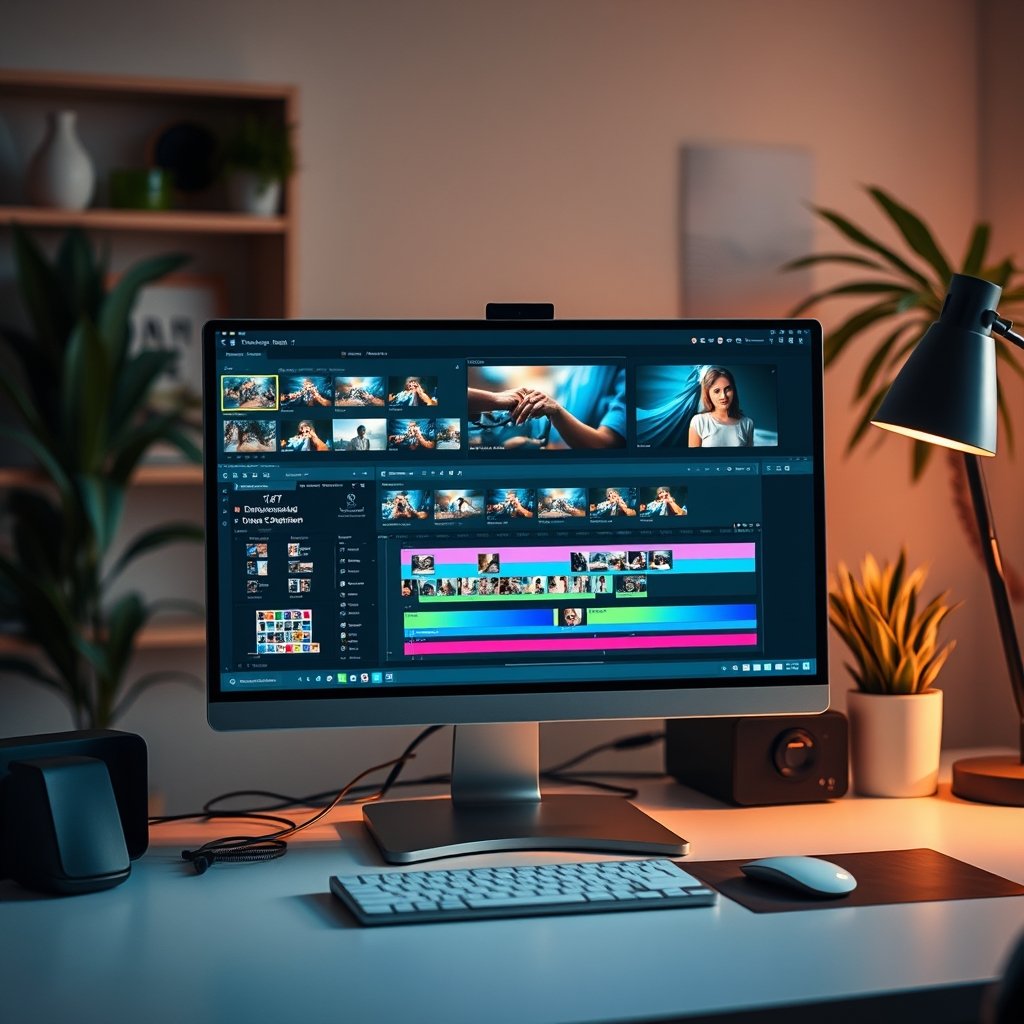
The Ultimate Guide to AI Video Editor Tools
Creating engaging video content has never been more vital, whether for marketing, education, or entertainment. An AI video editor can streamline the editing process, saving time while enhancing creativity. This guide is tailored for content creators, marketers, and anyone looking to leverage AI for video editing. Readers will learn about the capabilities, features, advantages, limitations, and top tools available in the market.
Quick Answer
An AI video editor automates various editing tasks, allowing users to produce high-quality videos faster and with less effort. These tools are ideal for those who may lack extensive editing skills but want to create professional-looking videos.
Table of Contents
- What is an AI Video Editor?
- How AI Video Editors Work
- Advantages of AI Video Editors
- Limitations of AI Video Editors
- Best AI Video Editors to Consider
- Expert Tips for Using AI Video Editors
- Common Mistakes to Avoid
- Frequently Asked Questions
- Key Takeaways
- Conclusion
What is an AI Video Editor?
An AI video editor uses artificial intelligence algorithms to automate parts of the video editing process. This includes tasks like cutting footage, adjusting audio, adding effects, or even generating subtitles. Unlike traditional video editing software that requires manual input, AI video editors leverage machine learning to analyze video content and make suggestions or automatic edits based on best practices.
The growing demand for video content across platforms necessitates tools that can keep up with the rapid production cycles. AI video editors cater to this need by making video editing accessible to beginners while also providing advanced features for professionals. Whether you’re creating content for social media or producing a full-length feature, these tools can significantly enhance productivity and creativity.
How AI Video Editors Work
Understanding how an AI video editor functions can help users maximize its potential. Most AI video editing tools employ machine learning models trained on vast datasets of existing video content. These models learn to identify elements such as scenes, dialogues, and transitions.
- Scene Detection: AI can automatically identify different scenes in a video, making it easier to navigate and edit specific segments. For example, if you’re editing a travel vlog, it can quickly recognize different locations and highlight them for easy access.
- Automated Transitions: The software can suggest or apply transitions that fit the style of the content, saving time and effort. Imagine putting together a highlight reel of your favorite moments from a wedding; AI can help you create smooth transitions between clips that enhance the overall flow.
- Audio Enhancement: AI tools can analyze audio quality and make adjustments to ensure clear sound, including noise reduction and volume leveling. A friend of mine who edits podcasts swears by this feature. It automatically cleans up background noise, letting the host’s voice shine through.
- Facial Recognition: Some advanced editors can recognize faces, making it easier to apply effects or edits based on who is speaking or present in a clip. This is particularly useful for interview-style videos where you want to focus on the speaker.
By automating these processes, an AI video editor allows creators to focus more on storytelling and creativity rather than getting bogged down in the technical aspects of editing.
Advantages of AI Video Editors
The benefits of using an AI video editor are numerous and can cater to a wide range of users, from amateurs to professionals. One of the standout advantages is time efficiency; AI tools significantly reduce the editing time required to produce high-quality videos. This allows creators to focus on generating more content or enhancing other aspects of their projects. AI Research Paper Helper: Your Ultimate Guide to Success
Another advantage is accessibility. With intuitive interfaces and simplified processes, even those with minimal editing experience can produce professional-looking videos. AI video editors often come with templates and preset styles, making it easy to achieve a polished look without extensive training. For instance, a small business owner could use an AI video editor to create promotional videos with minimal prior experience.
- Enhanced Creativity: By automating repetitive tasks, users can allocate more time to creative decision-making. A filmmaker I know used to spend hours on simple cuts. Now, with AI, he spends that time refining his story instead.
- Cost-Effectiveness: Many AI video editors come at a fraction of the cost of hiring professional editors, making them suitable for small businesses and independent creators. Think about it: why pay hundreds of dollars for a single video when you can invest in an AI tool that allows you to produce multiple videos over time?
- Scalability: As content needs grow, these tools can adapt, allowing for rapid production without compromising quality. This is especially beneficial for marketing agencies that need to churn out content regularly.
Limitations of AI Video Editors
Despite their many advantages, AI video editors also come with limitations. One significant drawback is that they may not fully understand creative nuances, often resulting in generic edits that lack a personalized touch. While AI can suggest edits based on trends, it doesn’t always capture the specific vision a creator might have. For instance, if you’re creating a heartfelt tribute video, the AI might miss emotional cues that a human editor would pick up on.
Moreover, reliance on AI tools can lead to over-simplification. Creators might miss out on learning essential editing skills that contribute to their development as content producers. Additionally, some AI video editors require a robust internet connection for cloud-based processing, which could be a limitation for users in areas with poor connectivity.
- Quality Control: AI-generated edits might need manual review to ensure quality and alignment with the creator’s vision. A YouTuber I know had to redo several videos because the AI made cuts that didn’t flow well.
- Limited Customization: While many tools offer templates, these may not fit all projects, necessitating additional manual adjustments. It can be frustrating to have a great tool but still need to tweak every little detail.
Best AI Video Editors to Consider
When selecting an AI video editor, it’s essential to consider specific features and user needs. Here are some of the top options available:
| Tool/Product | Best For | Strengths | Limitations | Pricing Tier |
|---|---|---|---|---|
| Adobe Premiere Pro with Sensei | Professionals | Advanced features, industry standard | Steep learning curve, subscription cost | Monthly subscription |
| Magisto | Beginners | User-friendly interface, automated edits | Limited customization options | Free tier available |
| Filmora | Casual creators | Easy to use, rich effects library | Performance issues on older machines | One-time purchase |
| Pinnacle Studio | Intermediate users | Comprehensive features, good value | Less intuitive than some competitors | One-time purchase |
Expert Tips for Using AI Video Editors

To get the most out of an AI video editor, consider the following tips:
- Familiarize with Features: Spend time learning all available features. Understanding the capabilities can help leverage the tool effectively. I recommend setting aside an afternoon for this—just play around!
- Use Templates Wisely: Templates can save time, but ensure to customize them to fit the unique narrative of your content. A template should act as a starting point, not the final product.
- Review AI Edits: Always review automated edits carefully. AI may not grasp the context or emotional tone you want to convey. It’s crucial to give your personal touch to the final cut.
- Stay Updated: Keep an eye on updates and new features. AI tools evolve rapidly, and staying informed can enhance your editing process. Subscribe to newsletters or follow the developers on social media for the latest news.
Common Mistakes to Avoid
When using an AI video editor, it’s easy to fall into some common traps: Discover the Power of an AI Citation Generator
- Over-Reliance on Automation: While AI can assist, relying solely on it can lead to uninspired content. Balance automation with personal creativity. Remember, your unique voice is what sets you apart.
- Ignoring Quality Checks: Always perform quality checks after edits. AI tools may miss inconsistencies or errors that need correction. A quick rewatch can save you from embarrassment later!
- Neglecting Audience Needs: Remember to tailor content to your audience. AI can suggest trends, but understanding your viewers’ preferences is crucial. Always think about who you’re creating for.
Frequently Asked Questions
1. Can I use an AI video editor for free?
Many AI video editors offer free versions with limited features. However, to access advanced functionalities, a subscription or one-time payment is typically required. Make sure to check what’s included in the free version first!
2. Do AI video editors work for all types of videos?
Yes, most AI video editors can handle various video types, including vlogs, promotional content, and educational videos. However, the effectiveness may vary based on the specific tool used. For example, some might be better suited for short social media clips than for longer documentaries.
3. Are AI video editors suitable for professionals?

Absolutely. Many professionals use AI video editors to speed up the editing process while maintaining high-quality output. However, the choice of tool should align with their specific needs and expertise. A seasoned editor might prefer a tool with more customization options.
4. How do I choose the right AI video editor?
Consider factors such as your editing skill level, the type of videos you create, budget, and the specific features you need. Testing free trials can also help in making an informed decision. Don’t hesitate to ask for recommendations in online forums or communities!
5. Will AI video editors replace human editors?
While AI video editors can assist greatly in the editing process, they are unlikely to fully replace human editors. Creative input and nuanced decision-making remain essential in video production. Think of AI as your helpful assistant, not your replacement.
Key Takeaways
AI video editors are transforming how content is created, making it more accessible and efficient. While these tools offer significant advantages in productivity and ease of use, understanding their limitations is crucial for achieving the best results. Finding the right tool tailored to specific needs can enhance the video editing experience.
Conclusion
The rise of the AI video editor represents a significant shift in the video production landscape. Whether for personal projects or professional content creation, these tools provide innovative solutions for enhancing the editing process. With the right knowledge and strategies, users can harness the power of AI to create compelling videos that resonate with their audience. If you’re interested in maximizing your overall academic performance, check out our guide on AI Research Paper Helper and discover how technology can enhance your learning journey.
